Kisetsu Sense: A quick look at the conditions you care about, from pollen to weather changes.
I designed Kisetsu Sense so you can check today’s pollen, mold, and other readings in one place. You choose what appears, and each reading uses words like Low or High to show how elevated it is.
Project Overview
- Role
- Solo Product Designer
- Timeline
- Started October 2026. In closed TestFlight beta.
- Focus
- I shaped the product, designed the screens in Figma, and used AI to help build the app in SwiftUI. I focused on giving people control over what they see and making each reading easy to understand.
- Deliverables
- Product vision and requirements, Figma designs, an iPhone app with four Home Screen widgets, a coming-soon site, and a beta tester guide.
The Challenge
A daily check needs a clear answer
The design had to make relevant readings easy to find and interpret.
- Keep today’s readings central to the experience
- Accommodate different sets of conditions for each person
- Make severity understandable beyond color
- Keep a catalog of eleven indices manageable
I kept the scope centered on a daily check, with detail available when someone wanted more context.
Today first, with personal choices
Four principles guided the experience.
- Focused: put today’s readings first
- Personalized: let people choose what appears
- Accessible: pair severity colors with clear labels
- Informative: provide environmental context without medical advice
Design Strategy: Today First
1. A personal Today screen
Today opens with the weather and a short Outlook identifying which selected indices are elevated.
My Conditions shows the conditions each person chooses, in their preferred order. List and Cards layouts offer a choice of information density.
2. Levels in words, not just color
Severity levels appear as words, from Low to Extreme, alongside their colors.
Detail pages explain what each index measures and where today’s reading falls on its scale.
3. A catalog to choose from
Conditions groups eleven indices into two categories, with elevated readings summarized at the top.
- Allergies: tree, grass and ragweed pollen, mold, dust and dander
- Health: sinus headache, migraine, arthritis, asthma, common cold and flu
People can add any condition to Today or remove one as their needs change.
4. Glanceable from the Home Screen
Four Home Screen widgets show the latest saved readings without opening the app. Tapping a widget opens the relevant condition’s details.
Accessibility and Privacy
I designed the information to remain readable across text sizes and ways of using the app.
- Written severity levels accompany color throughout the app.
- Rows wrap or stack at larger text sizes to keep condition names readable.
- Build test plans include VoiceOver and Voice Control checks.
Location use stays under the person’s control.
- Current Location is opt-in and checked when the app opens.
- People can choose a city or US ZIP code instead.
- There is no background location tracking.
Where It Stands
Kisetsu Sense is in a closed TestFlight beta with a small group of invited testers.
My next priorities are feedback on daily use and further device and accessibility checks before an App Store release.
Kisetsu (季節) means season, reflecting the app’s focus on what today brings.
Visit the Kisetsu Sense Site
Get a first look at the app and the indices it covers.
Read more of my work
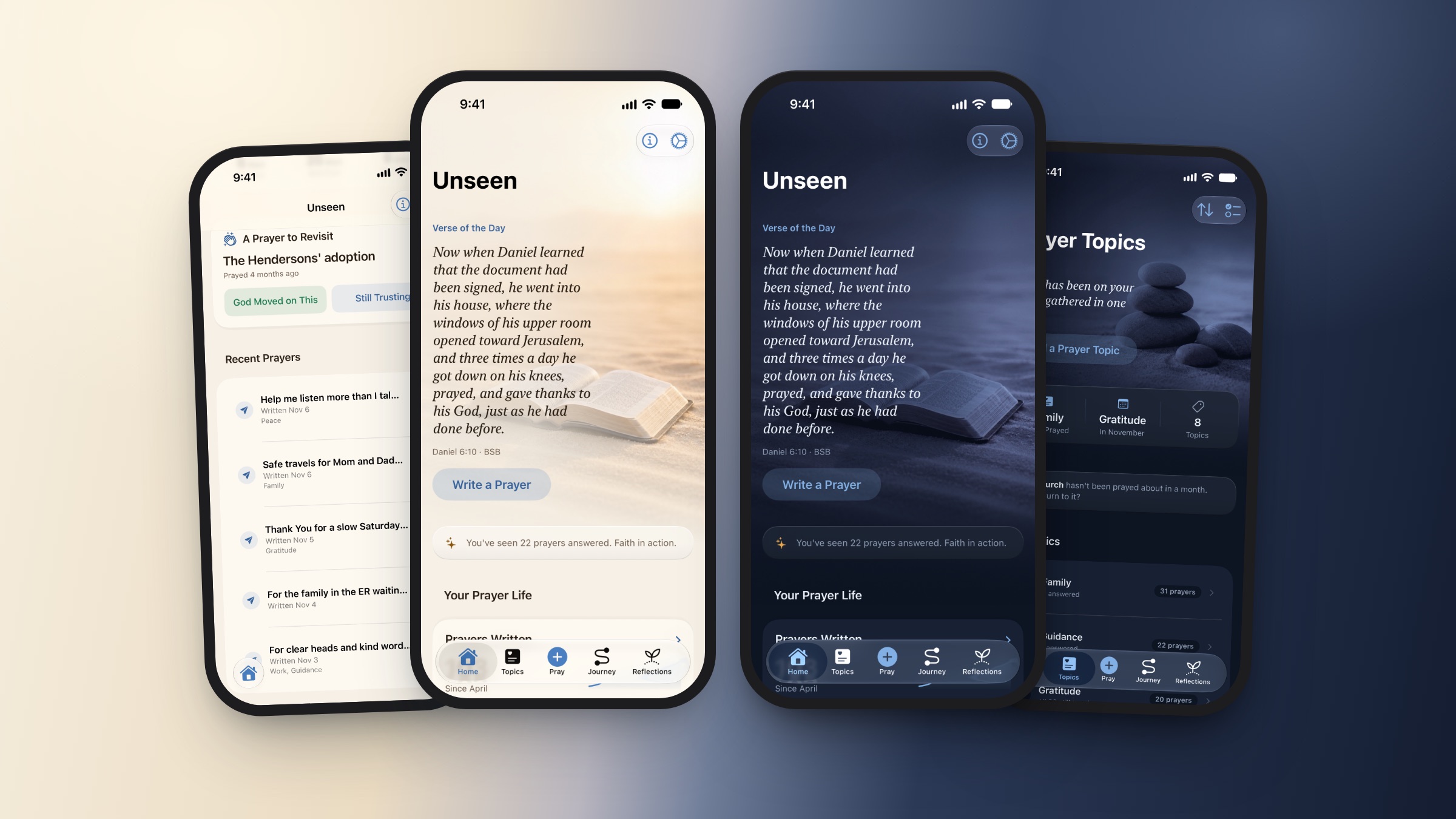
Unseen Assurance
A calm, private prayer journal for iPhone.
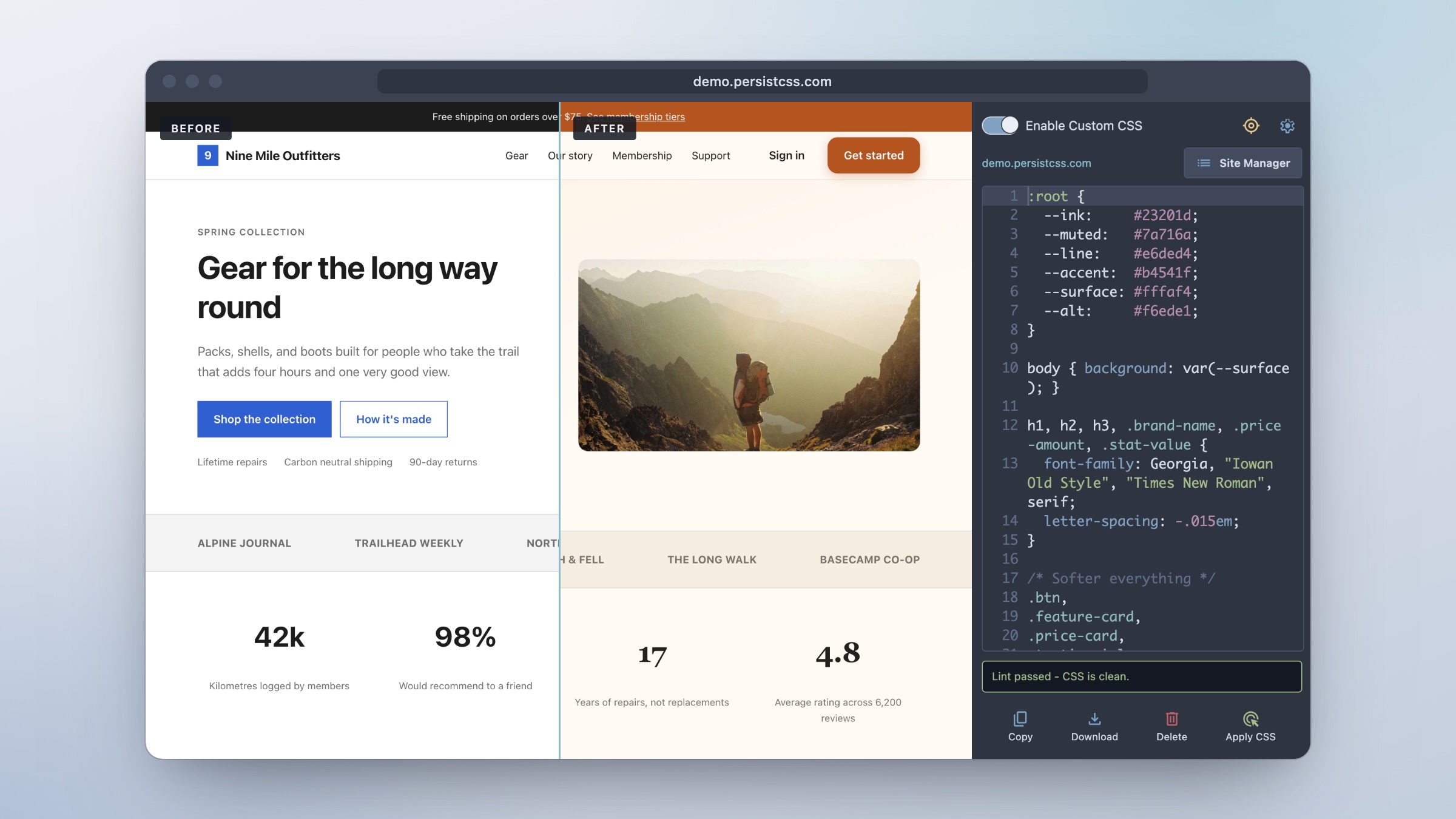
PersistCSS
A CSS scratchpad beside the page, with styles that stay.
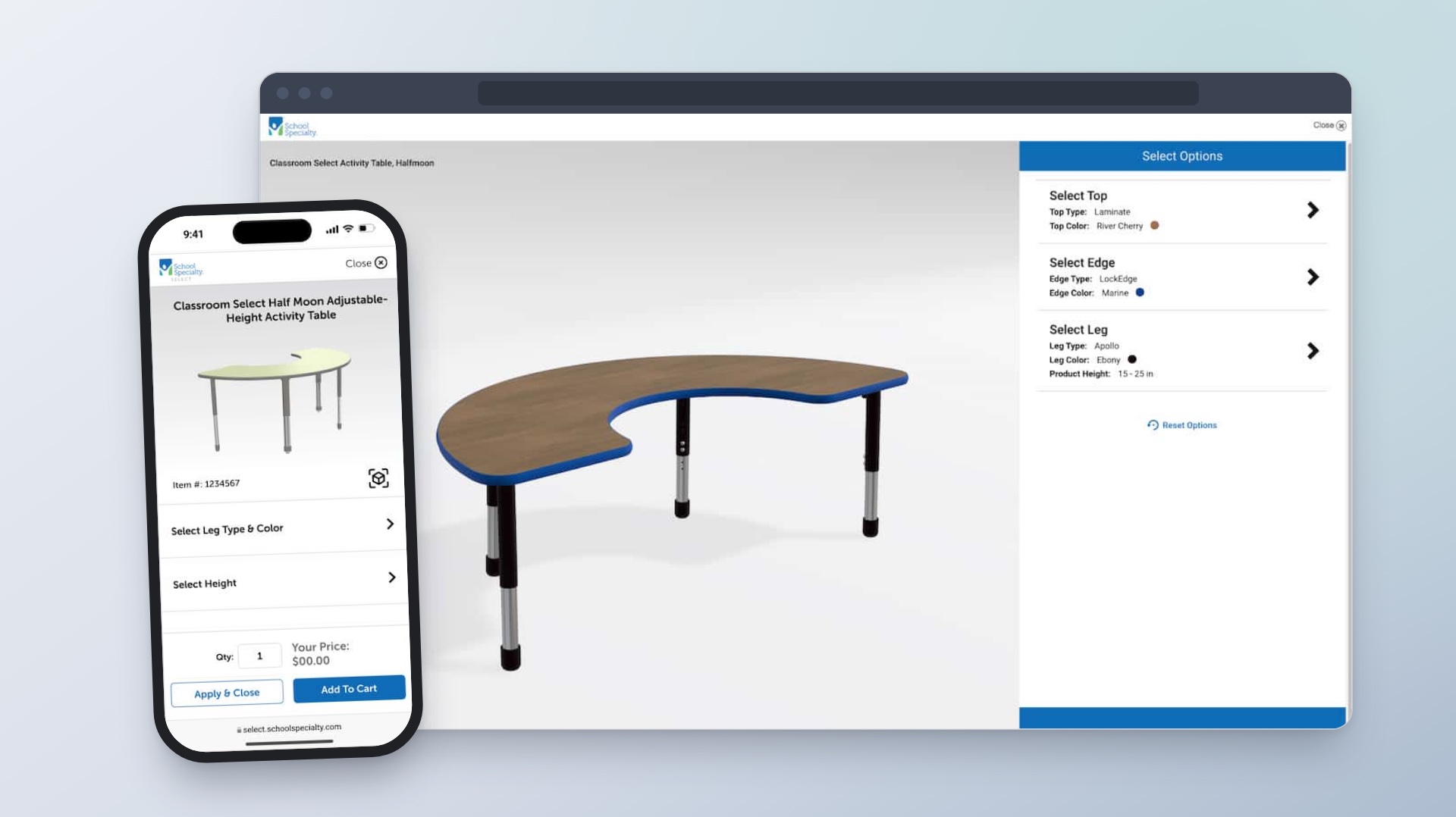
Enterprise Product Configuration Platform
Helping customers choose classroom furniture and see how each option changes the design and price.