PersistCSS: A CSS scratchpad beside the page, with styles that stay.
I created and launched PersistCSS so I could experiment with CSS while keeping the page in view and save changes for later. The Chrome extension combines a side-panel editor, live preview, and styles saved for each site and reapplied on future visits.
Project Overview
- Role
- Solo Product Designer
- Timeline
- Started September 2025. Soft launched August 2026.
- Focus
- I designed how people write, preview, and save CSS, and used AI to help build the extension. I also set the requirements for keyboard access and privacy.
- Deliverables
- A Chrome extension, product and demo sites, store listing and screenshots, privacy and support pages, and interactive release test plans.
The Challenge
Keep experiments close to the page
I wanted a workspace that remembered what I was trying.
- Keep CSS changes organized by site across visits
- Preserve drafts when switching tabs or closing the editor
- Help identify selectors on unfamiliar pages
- Provide syntax feedback while writing CSS
Pick up where you left off
Write, preview, and return to the work later.
- A side-panel editor with syntax highlighting and feedback
- Live preview alongside the page being edited
- Automatic drafts and saved styles for each site
- An element picker and a manager for saved sites
Design Strategy: Stay Beside the Page
1. Keep the page in view
Chrome’s side panel keeps the editor and website visible together, with Live Preview applying valid CSS as it’s written.
When preview is off, a pending-changes hint makes the difference between the draft and the applied styles visible.
2. Keep drafts available
Automatic drafts preserve unsaved edits when switching tabs, closing the panel, or restarting Chrome.
Saved styles apply early during page load to limit the flash before custom styling appears.
3. Start with an element
The element picker inserts a matching selector into the editor, providing a starting point for styling an unfamiliar page.
This supports a visual workflow without requiring someone to work out the selector first.
4. Manage saved styles together
Site Manager brings saved domains into one searchable list, with controls to edit, enable, disable, or delete their styles.
Deletion asks for confirmation within the row, giving people a chance to review the action before removing their work.
Accessibility and Privacy
I designed the editor and its controls around clear focus, keyboard access, and useful screen-reader labels.
- A Nord theme with clear text contrast and visible focus indicators.
- Escape moves focus out of the editor for continued keyboard navigation.
- Focus follows the reading order instead of moving straight from the editor to Delete.
- The editor and Site Manager controls include the relevant site in their screen-reader labels.
Privacy descriptions need the same care as the interface.
I reviewed the extension’s permissions and updated the store description to explain how it uses the current tab’s address to match saved styles to a site.
- No account Install it and start writing CSS.
- Local only CSS stays in Chrome’s storage on your machine. There’s no backend.
- No analytics The extension does not collect usage analytics.
- Fewer permissions Removed the tabs and activeTab permissions.
Where It Stands
PersistCSS is live on the Chrome Web Store, and I use it daily in my own design work.
All features are free, with no account or paid tier.
Try PersistCSS
Install it from the Chrome Web Store, or practice on a demo page built to be restyled.
Read more of my work
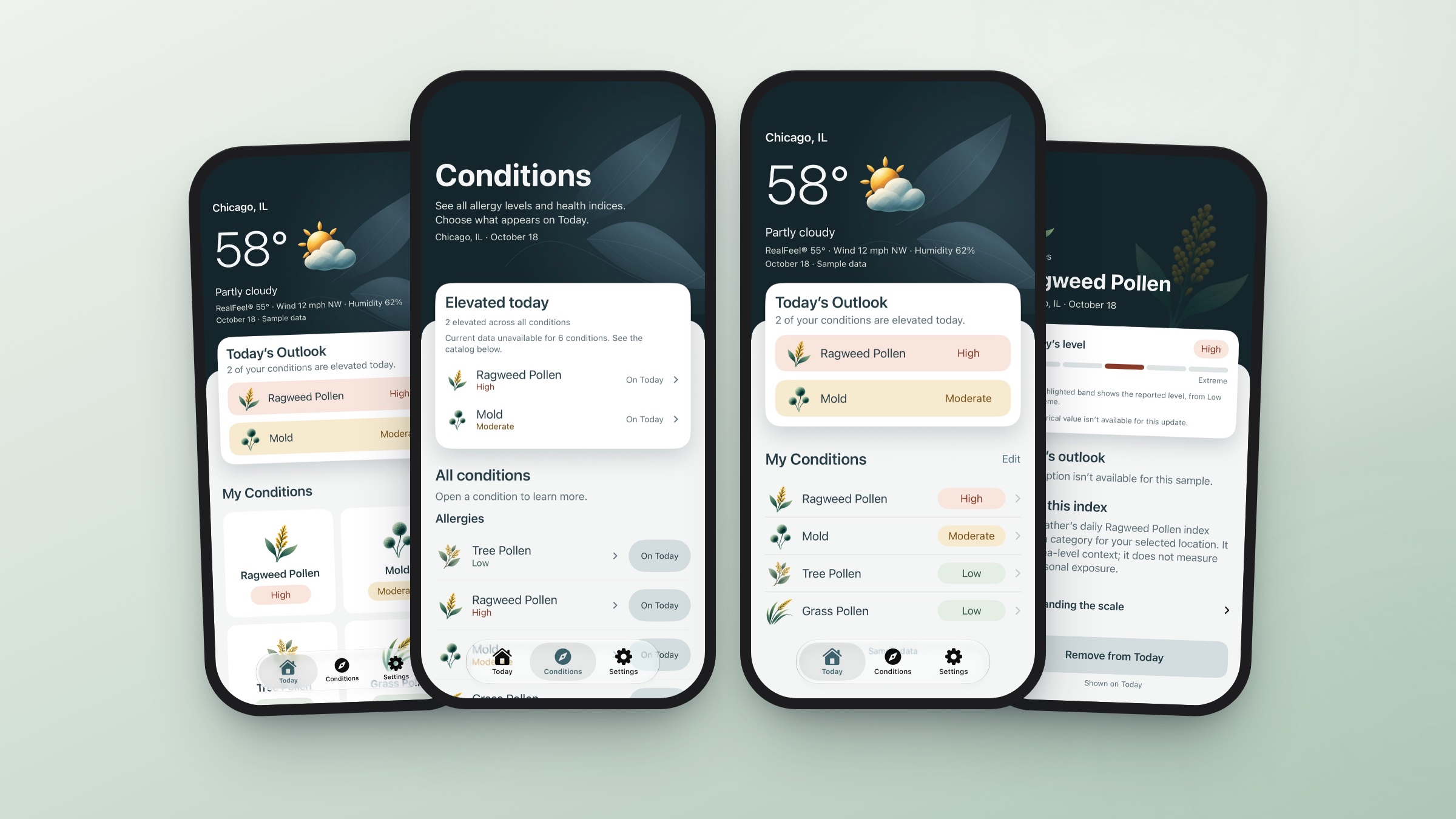
Kisetsu Sense
A quick look at the conditions you care about, from pollen to weather changes.
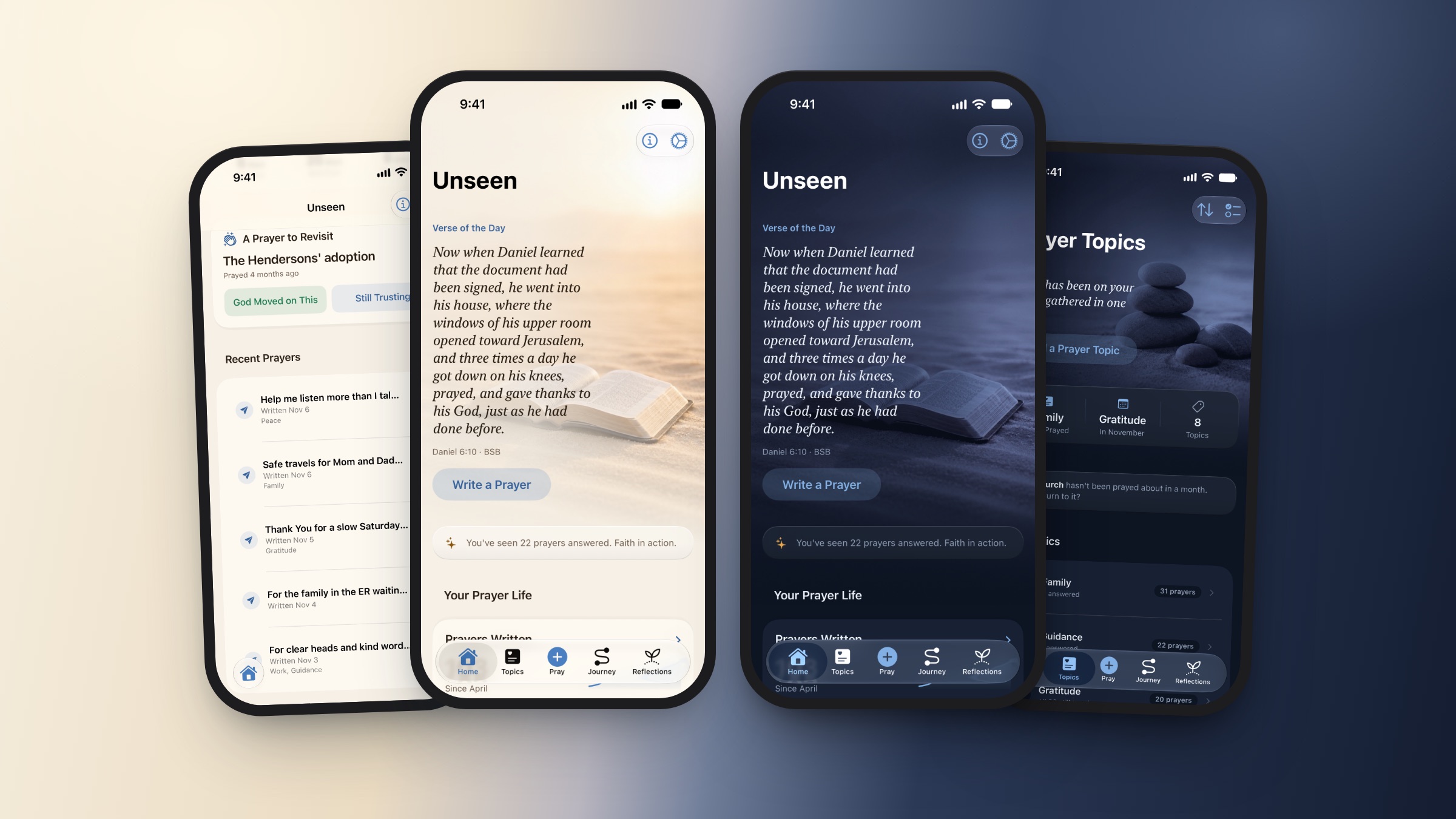
Unseen Assurance
A calm, private prayer journal for iPhone.
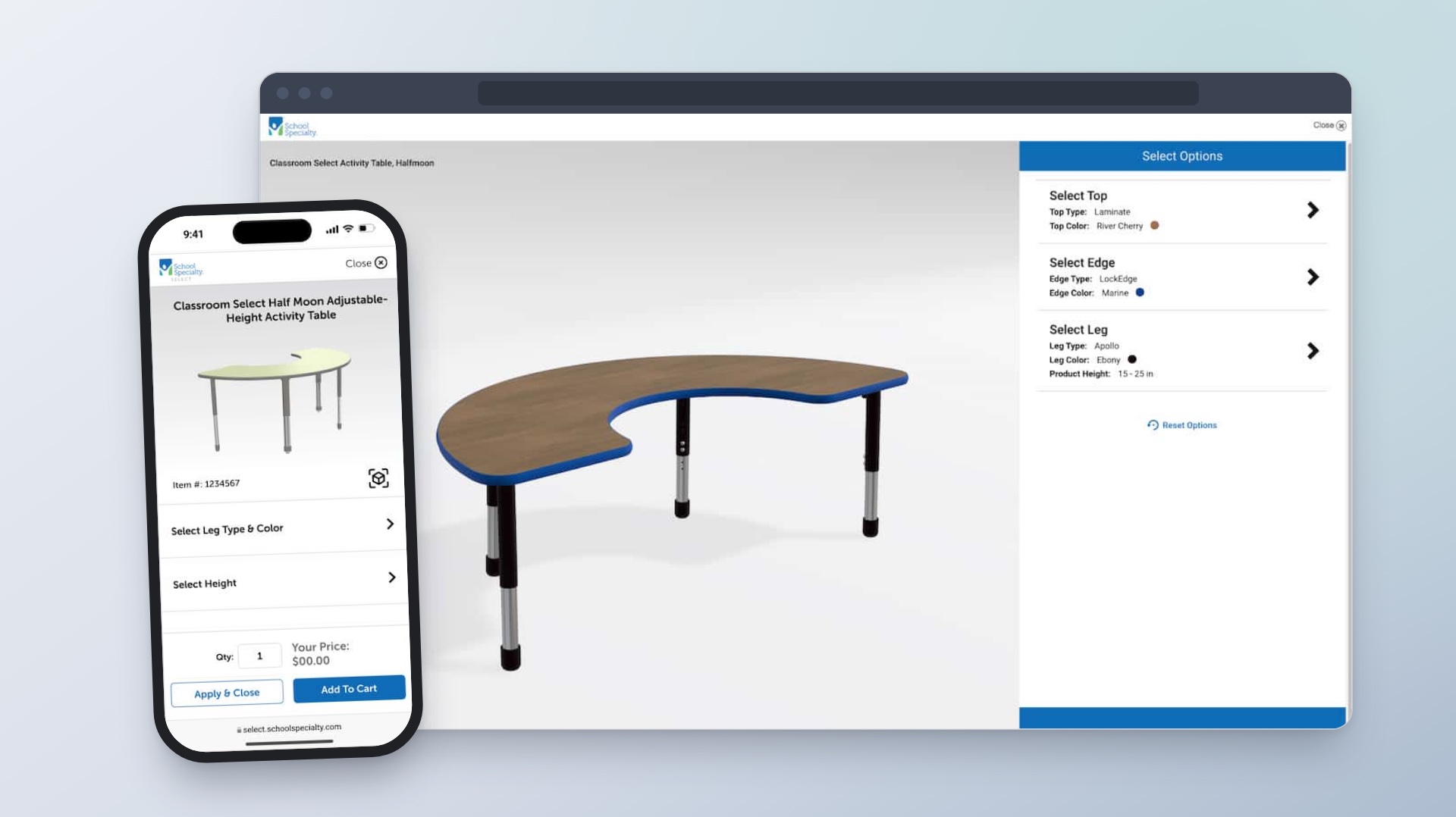
Enterprise Product Configuration Platform
Helping customers choose classroom furniture and see how each option changes the design and price.