Enterprise Product Configuration Platform
Helping customers choose classroom furniture and see how each option changes the design and price.
Choosing a classroom table used to mean sorting through separate listings for different sizes, materials, and colors. I led UX for School Specialty’s configurator so customers could see the table and its price change as they made choices, then review what they’d selected before adding it to their cart.
Project Overview
- Role
- UX Lead / Product Designer
- Timeline
- 6 months
- Focus
- I led interaction design across desktop and mobile, aligning the customer experience with product data, pricing, and configuration rules.
- Deliverables
- User flows, wireframes, high-fidelity designs, and shared interaction patterns for desktop and mobile.
The Challenge
The catalog treated furniture combinations as separate product records, or SKUs. Customers had to browse those variants to find the right combination of size, materials, and colors.
Moving to configurable products meant connecting the storefront to the configure, price, quote (CPQ) system without disrupting existing order workflows.
Hard to see the complete configuration
The page left customers to piece the choices together.
- Static images didn’t show the selected combination
- Price differences across variants were difficult to interpret
- Selected options lacked a clear summary
Customers needed to check the appearance, understand the price, and edit their choices before purchasing.
Bring choices, previews, and pricing together
One configurable product, with feedback at each step.
- Group variants under configurable products
- Organize choices around valid product combinations
- Update the 3D preview and price as options change
- Keep selections visible and editable
The same configuration rules needed to support customers, sales, and order processing.
Try the Live Configurator
Configure a Classroom Select Activity Table to explore the options, 3D preview, and pricing.
Design Strategy: Making Complex Choices Manageable
1. Protect the Product Page While Simplifying Configuration
The original plan was to embed the third-party configurator in an iframe on the product detail page. After reviewing the integration with engineering, I recommended moving it into a full-screen modal.
- Keep product photos, zoom, and specifications available if the configurator fails to load
- Give customers more room to explore the 3D preview and work through the options
Customers could use Apply & Close to return to the product page with their selections.
2. Organize Choices Around the Product
The option groups followed CPQ rules while using recognizable product terms:
- Leg Type
- Height
- Top Type & Color
- Edge Type & Color
Expandable groups kept related choices together, with each selection connected to the preview and pricing.
3. Show What Each Choice Changes
The preview and price updated together so customers could inspect the configuration as they built it.
- Rotate and zoom the 3D product preview
- See materials and colors update with selections
- See the price range resolve into a final price
- Prevent selection of invalid combinations
4. Adapt the Flow for Mobile
On smaller screens, we stacked the option groups and kept the primary action available as customers moved through their choices.
- Follow a vertical sequence of option groups
- Use tap-friendly color swatches and controls
- Review the configuration summary before adding to cart
The layout changed for mobile while the configuration rules stayed consistent.
Aligning the Experience Across Teams
I worked with Product, Engineering, Merchandising, Digital Shelf, Customer Support, and the teams that managed product data and configuration. We had to agree on which combinations customers could choose and what information we needed to fulfill the order.
I designed how those rules showed up as customers made choices. We also worked out how those choices would pass into Oracle EBS, the system used to process orders.
Together, we aligned:
- Option groups, default selections, and pricing
- Rules for valid product combinations
- Product data mappings and configuration summaries for order processing
My focus was making those system requirements understandable in the interface while preserving the information teams needed to fulfill an order.
- CPQ defined valid combinations and pricing.
- ERP needed structured configuration data for orders.
- Merchandising needed consistent product and option rules.
- Support needed clear configuration summaries.
Refining the Experience Through Feedback
We reviewed interactive prototypes with internal stakeholders and several larger customers. In one session, a customer asked whether they could see the item number while configuring a product. We added it to the configurator so customers could identify the product they were building.
Before launch, we also observed people using the configurator for the first time during user acceptance testing (UAT) to spot where they got stuck.
Impact and Outcomes
The launch replaced thousands of static furniture variants with configurable products connected to the existing pricing and order systems.
- Grouped product combinations under shared configurable products
- Brought selected options, 3D previews, and pricing into one flow
- Connected customer selections to CPQ rules and ERP order data
- Established a configuration framework for additional product categories
Launch-Day Engagement
These early engagement figures show what customers did on launch day, from selecting options to adding configured items to their carts.
Markerboard tops and Apollo legs were the most frequently selected options on launch day.
Reflection
A clear configuration experience starts with well-structured product data.
This project deepened my understanding of how interaction design depends on product data, pricing, and validation rules. Aligning those foundations made it possible to present complex choices in a manageable way.
I would bring that systems perspective into future work by involving the teams responsible for product data and order processing early in design.
Read more of my case studies
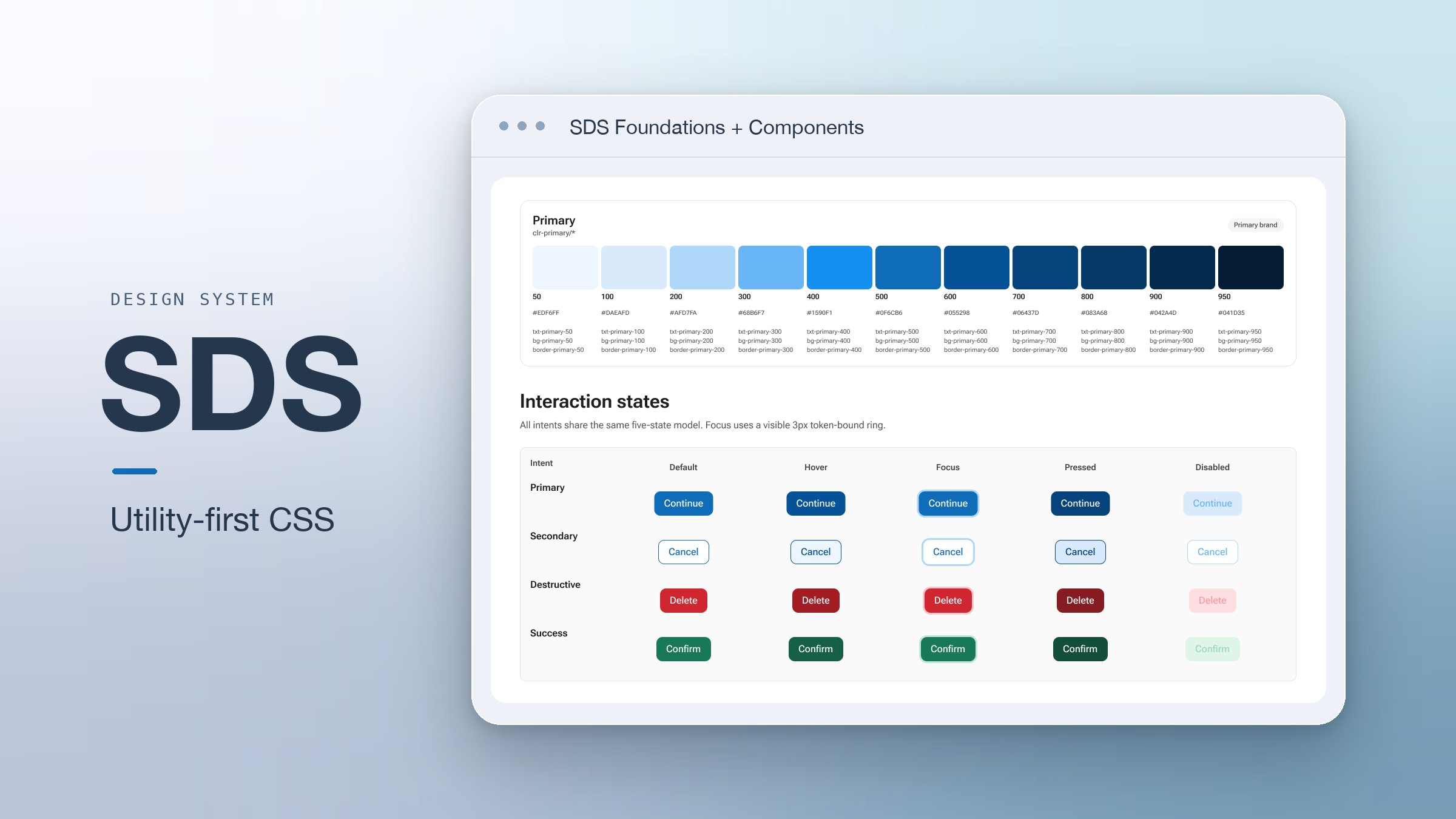
SDS Design System
A utility-first CSS system for our front-end team.
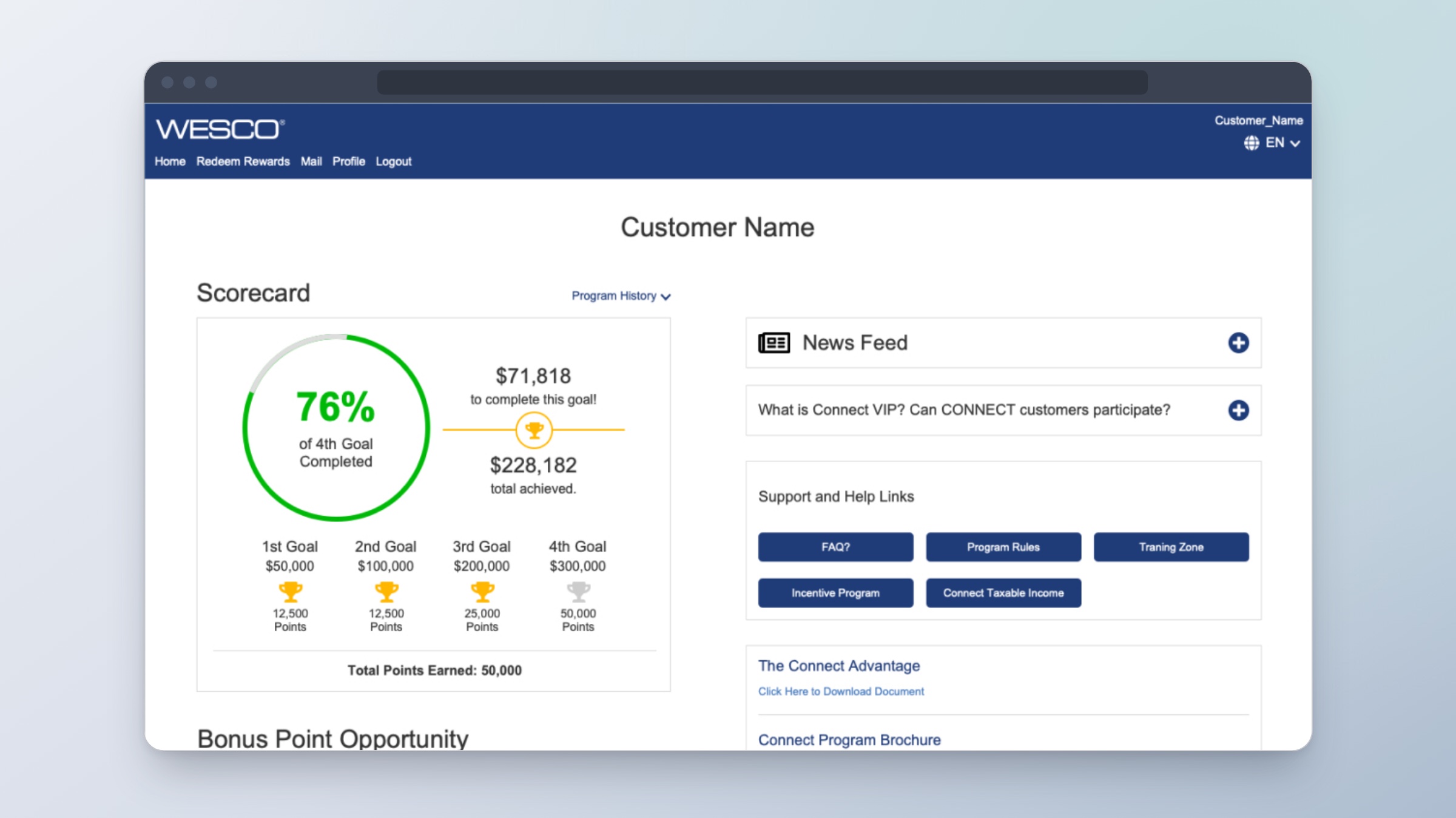
Rewards Program Dashboard
Showing sales reps what they’ve earned and how far they are from their next goal.
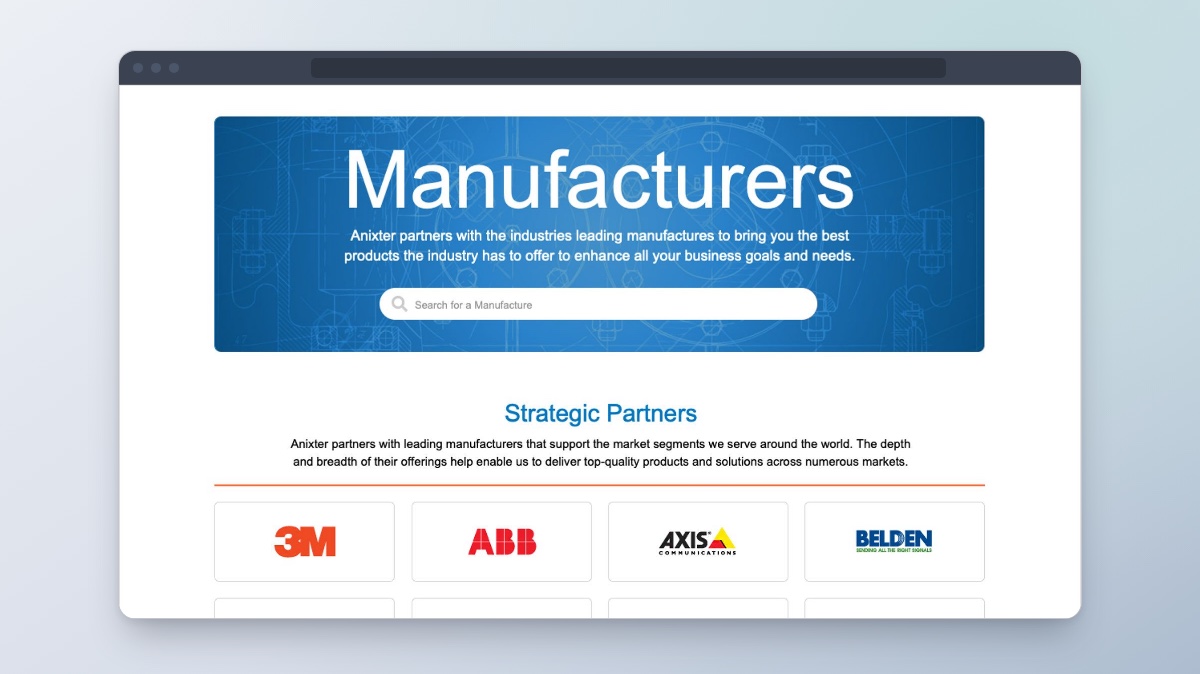
Manufacturers Directory
Helping customers find manufacturers, see what they offer, and explore their products.
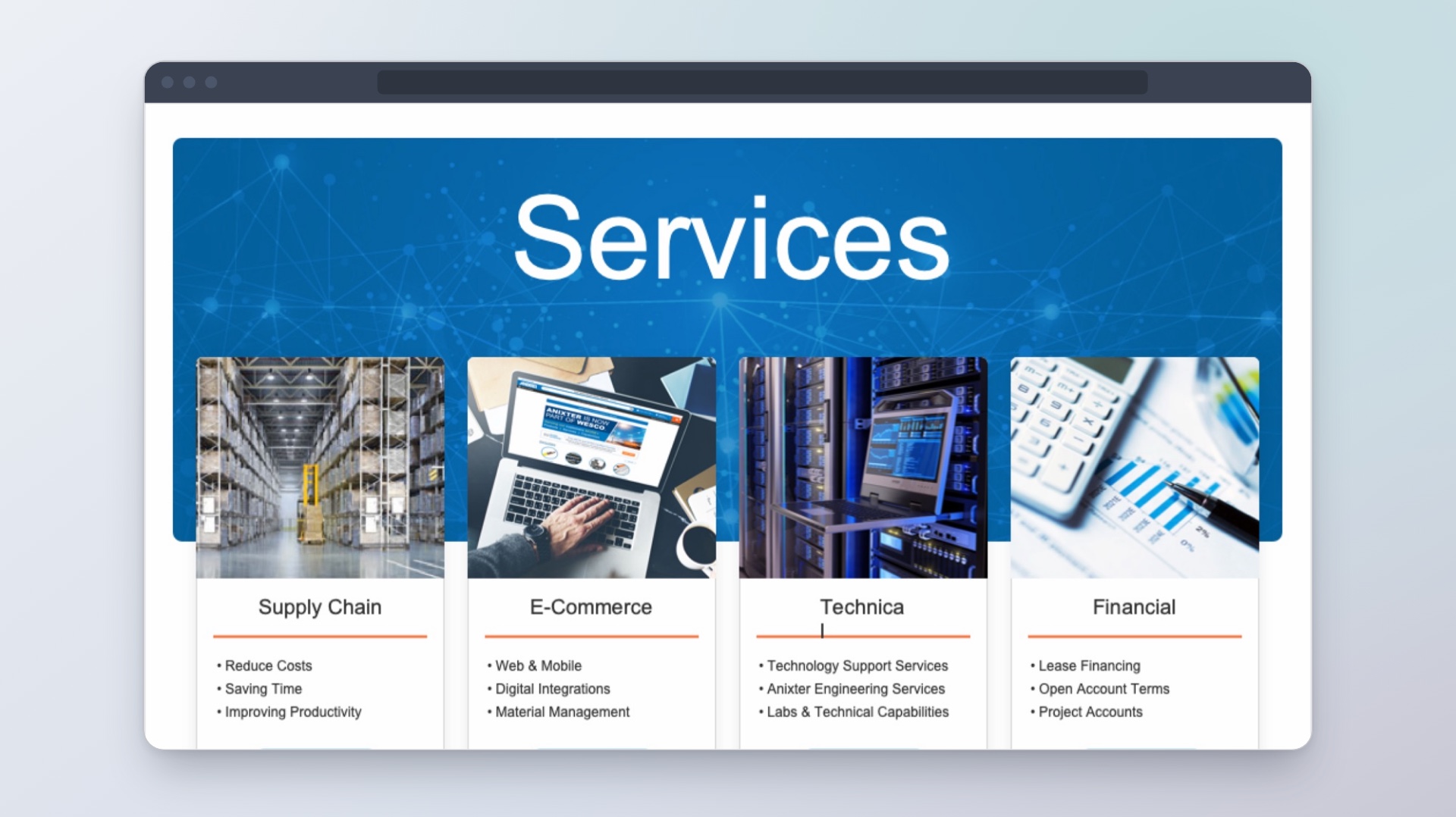
Services & Solutions
Helping customers find the right service and see what to do next.