Services & Solutions: Helping customers find the right service and see what to do next.
Customers came to the page looking for help, but long descriptions and link lists made it hard to know where to start. I led the redesign around four service categories, each with a short summary and a clear way to learn more.
Project Overview
- Role
- UX Manager · Lead Designer
- Timeline
- 8 weeks
- Focus
- I led the content hierarchy, page layouts, and navigation patterns, using analytics and stakeholder input to align the experience with customer needs and service visibility goals.
- Deliverables
- Content hierarchy, discovery flows, landing and detail page designs, and interactive prototypes for reviewing navigation and next steps before development.
The Challenge
Hard to tell where to start
The overview asked customers to sort through the detail themselves.
- Long sections and link lists were difficult to scan
- Generic descriptions made services hard to distinguish
- Calls to action were buried within the content
The page needed to help customers identify a relevant service before asking them to explore details or contact the team.
Give each offering a clear entry point
Help customers choose what to explore next.
- Group services into recognizable categories
- Use short summaries to explain what each category offers
- Give each content block a visible next step
- Use consistent modules across overview and detail pages
The structure also needed to give priority services visibility without putting every description on the overview.
Before: Content-heavy overview page
- Long descriptive sections
- Minimal hierarchy
- Buried calls to action
- Limited differentiation between services
After: Categories with clear next steps
- Clear service categories
- Modular content blocks
- Prominent calls to action
- Stronger visual hierarchy
Explore the Interactive Prototype
Explore the service categories, detail pages, and paths toward consultation or project support.
Design Strategy: From Overview to Relevant Detail
I organized the top of the page around four service categories: Supply Chain, E-Commerce, Technical, and Financial. Each card combined an image, a short summary, and a Learn More action.
Key design decisions
-
Lead with recognizable categories
- Give customers a starting point before introducing individual services and capabilities.
-
Keep the overview concise
- Use short benefit lists and summaries, with further information on detail pages.
-
Make the next step visible
- Place a consistent action alongside each service summary.
-
Design reusable modules
- Use repeatable cards and content blocks to accommodate additional service pages.
Aligning Content and Business Priorities
I worked with Product and Marketing to give priority services a clear place on the page. I used analytics and team input to group the offerings so customers could find the kind of help they needed.
We used prototypes to walk through the categories and see where each path would take a customer before development.
- Product and Marketing helped identify which services needed more visibility and where to guide customers next.
- Analytics and stakeholder input informed the reorganization of service content.
Impact and Outcomes
The redesign replaced a dense overview with defined service categories and consistent routes to more information.
- Category cards with concise service summaries
- Visible actions alongside each offering
- Consistent layouts for landing and detail pages
- Reusable content modules for future solution pages
The resulting structure gave the team a repeatable way to present additional services and solutions.
Reflection
An overview should help customers choose what to explore next.
This project reinforced the value of giving each level of content a clear job. The overview introduced the choices, while detail pages provided room to explain individual offerings.
In future content-heavy projects, I would start by defining the decision each page should support, then shape the hierarchy and level of detail around it.
Read more of my case studies
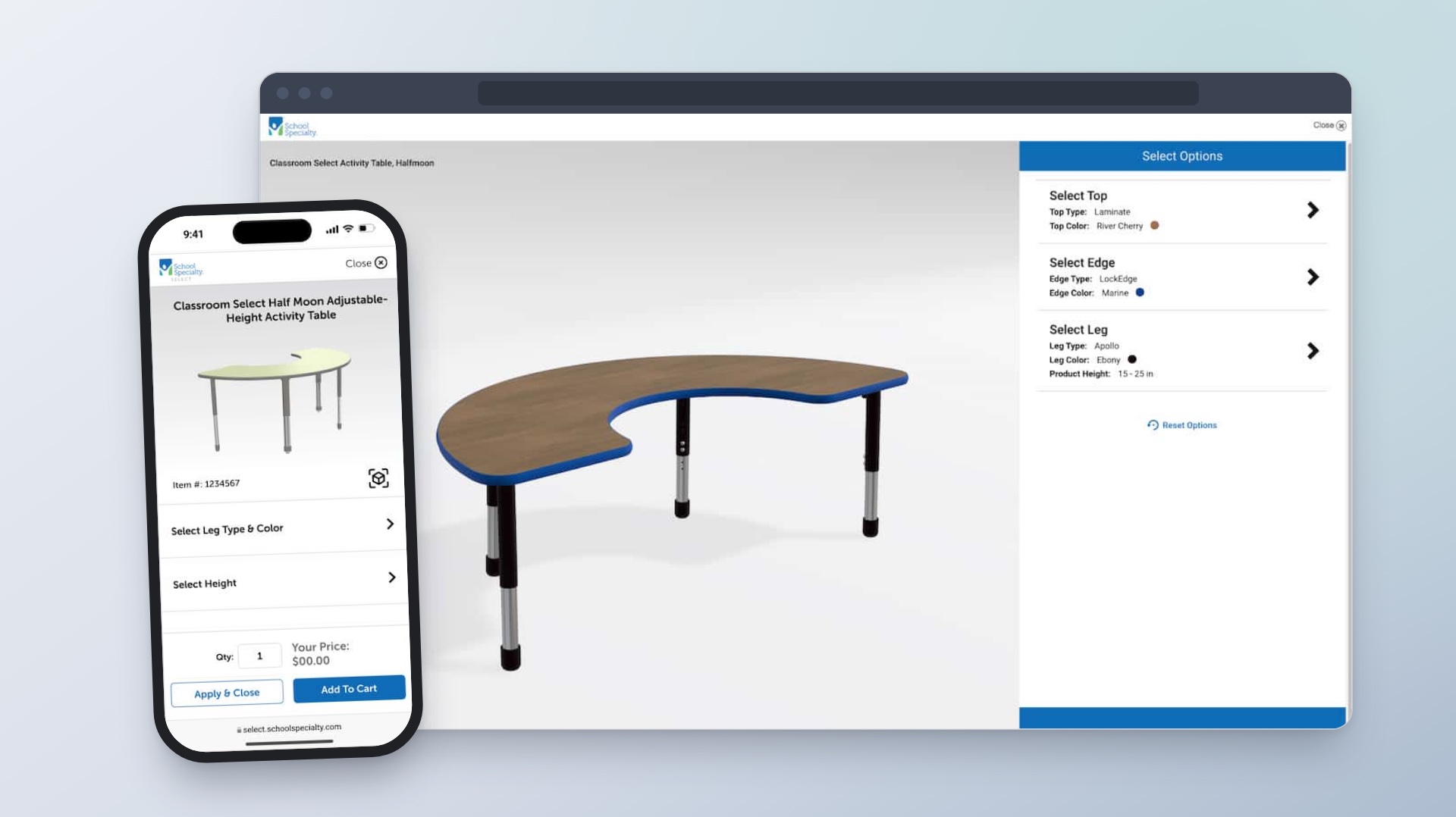
Enterprise Product Configuration Platform
Helping customers choose classroom furniture and see how each option changes the design and price.
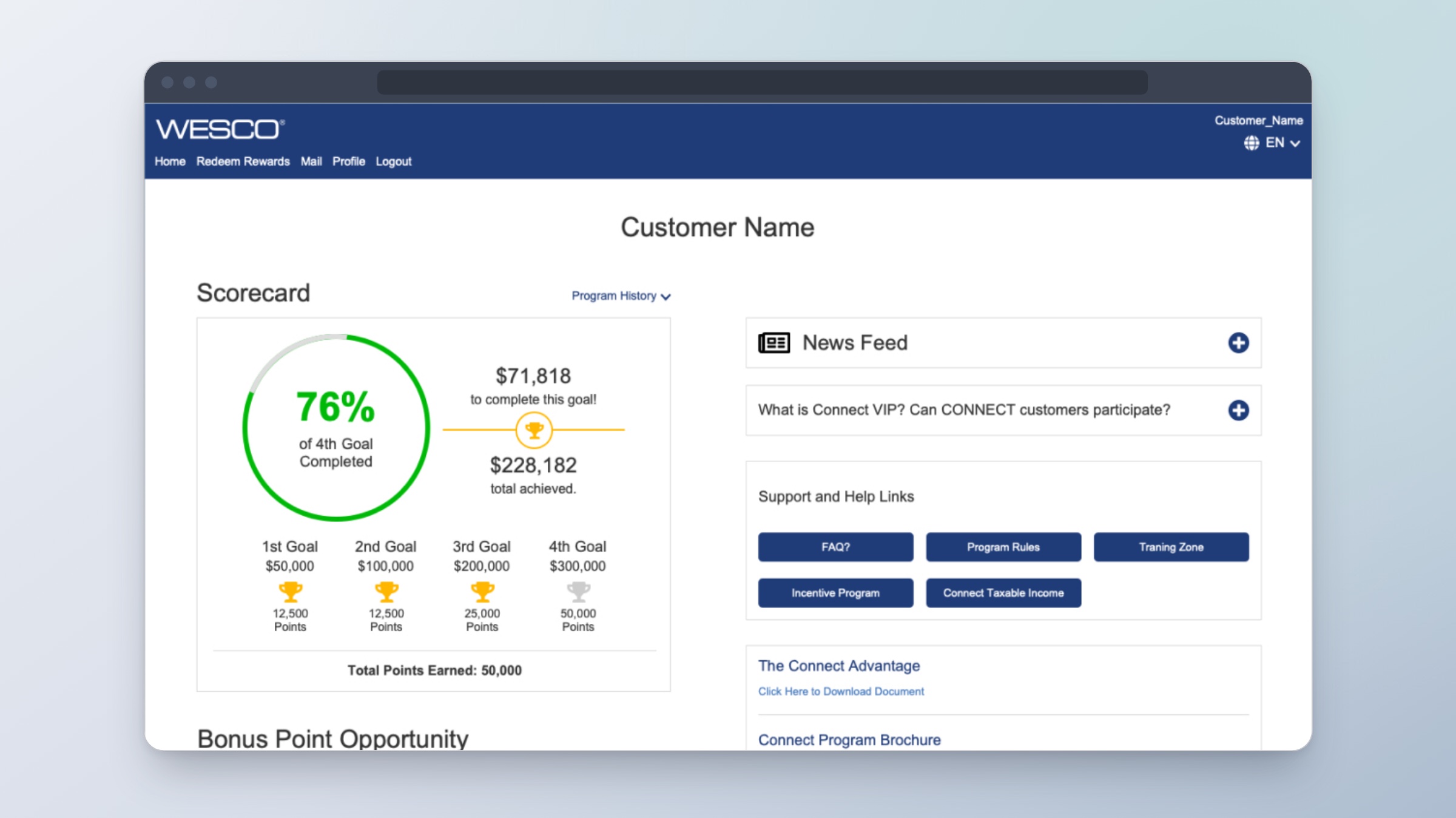
Rewards Program Dashboard
Showing sales reps what they’ve earned and how far they are from their next goal.
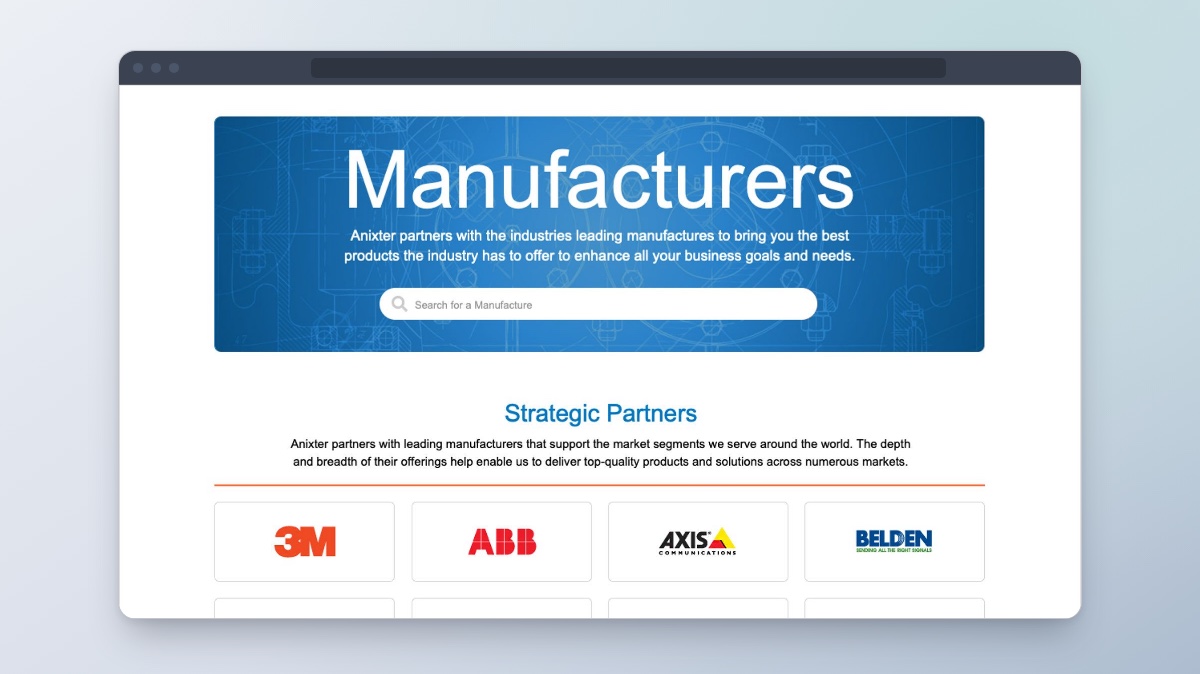
Manufacturers Directory
Helping customers find manufacturers, see what they offer, and explore their products.